Every repair call answered, even at 2am
Tenants ring about a leak at midnight or a boiler on a Sunday. SortX answers your agency's number with AI, takes the repair down with the questions your team would ask, and puts it on the property ready for your team to triage.
Your number, answered with AI

In your agency's name
The AI greets callers as your agency and says it's an AI assistant, so tenants know who they're talking to.

The repair taken down properly
What's wrong, where it is and how to get in, written onto the property as a repair rather than left as a voicemail.

Your team triages it
The caller's urgency is shown as reported, not yet triaged, until your team confirms it.

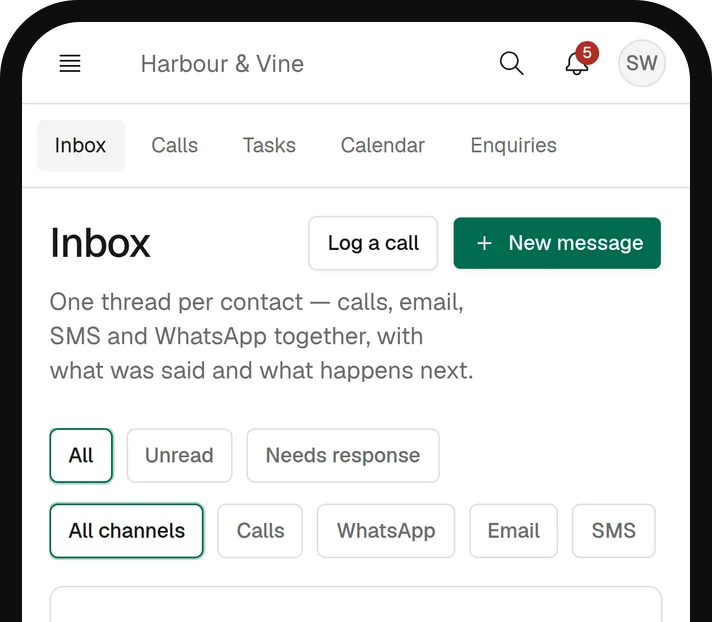
Missed calls texted back
If a call is missed, the caller gets a text back from your SortX number.


Day and night
Every call is answered, including evenings, weekends and the times your team is out on visits.
What happens on a repair call
The AI handles the routine part of the call. Anything that needs judgement goes to your team.
Matched to the property
The repair is logged against the caller's property. If the address can't be matched, your team gets a task to place it.
Safety first
If a caller reports a gas smell, the AI gives them the gas emergency number straight away.
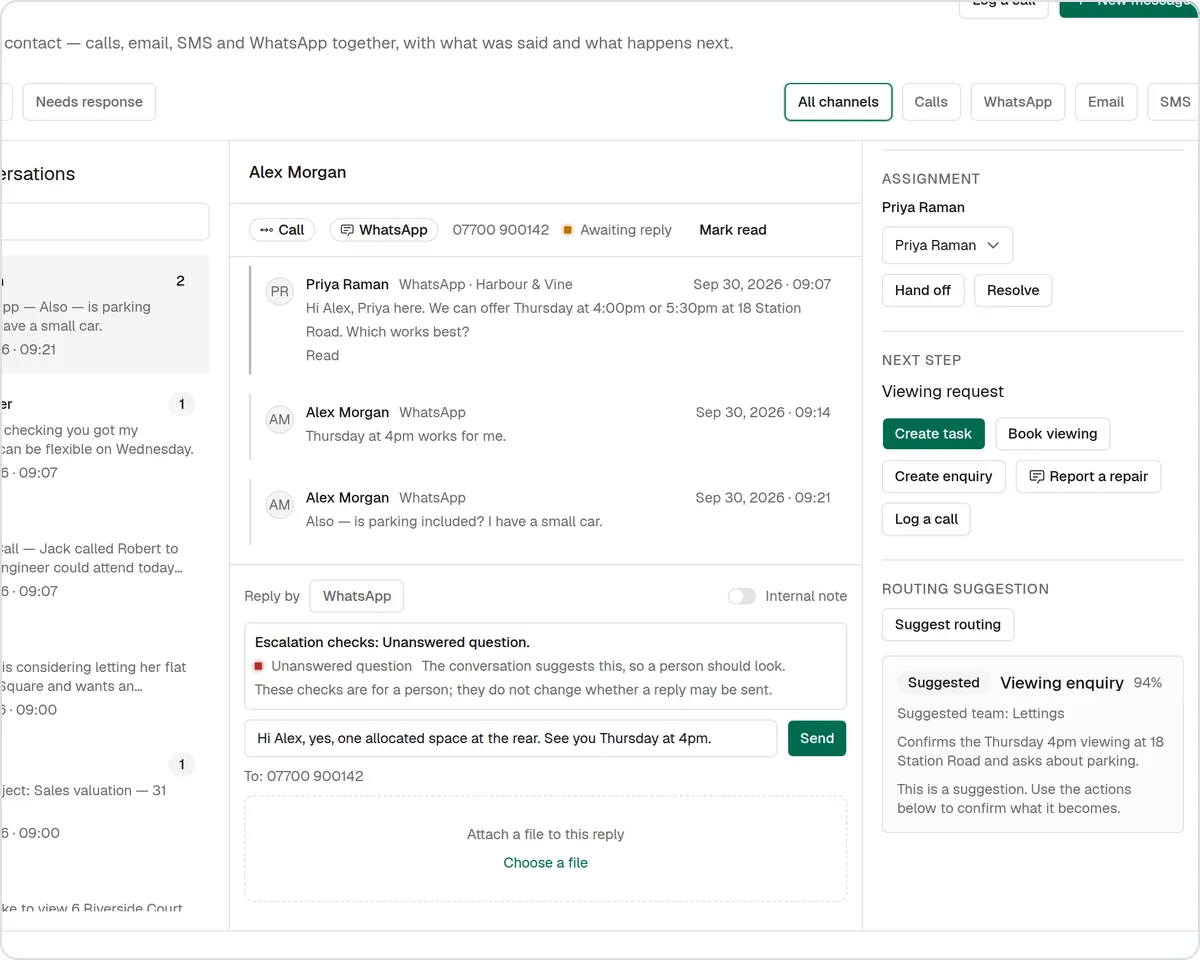
A person when one is needed
When a caller needs to speak to someone, the AI raises a callback task for your team rather than promising something it can't do.
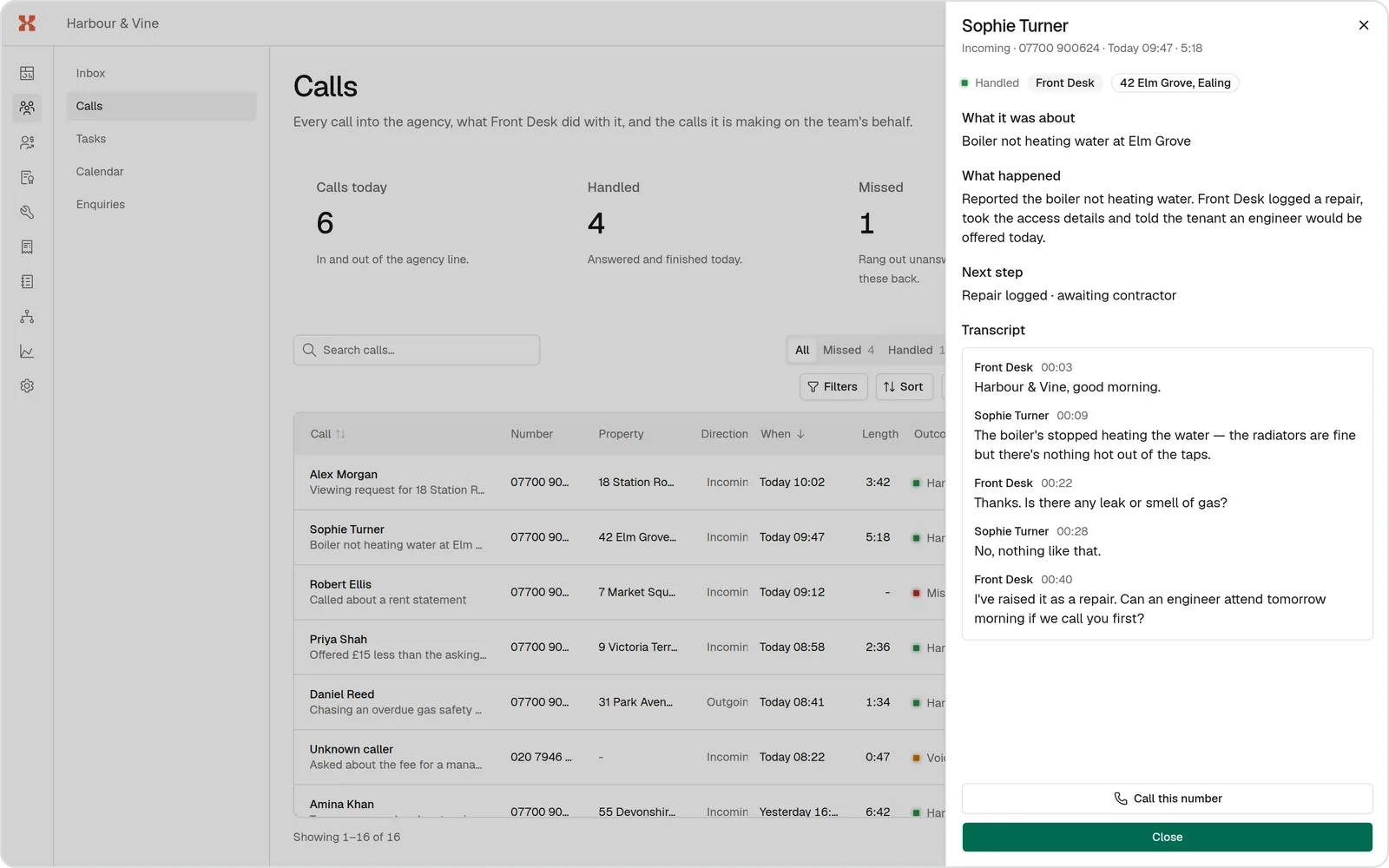
Every call on the record
Calls answered with AI appear in your call log with what happened next.
- Every answered call in one log
- The repair it became, on the property
- Callbacks your team needs to make
- Missed calls and the text sent back
Answering repair calls this week
Set it up once; your tenants keep ringing the number they already know.
- 1
Get a SortX number
Choose a number for your agency in SortX.
- 2
Forward your line
Forward your existing repairs or office line to it, all the time or out of hours. We'll help you set it up with your phone provider.
- 3
Make a test call
Ring it yourself and see the repair land on the property.
- 4
Triage what comes in
Confirm the urgency and the job goes out to your contractors.
The rest of the repair, handled the same way

Repair reporting
Tenants report repairs from their phone with guided fault-finding questions, so the job arrives with what a contractor needs.
Find out more: Repair reporting
AI triage
Every report gets a suggested category and urgency with AI, so emergencies stand out. Your team confirms or changes it.
Find out more: AI triage
Contractors
Jobs offered to your own contractors in your order, moving on when one doesn't answer. They accept in one click from their portal.
Find out more: Contractors
Questions agents ask
Do tenants know they're speaking to AI?
Yes. It introduces itself as your agency's AI assistant at the start of every call.
Does it decide how urgent the repair is?
No. It records what the caller said, and the repair shows that urgency as reported by the caller, not yet triaged, until your team confirms it.
Can it put the caller through to us?
In office hours, if your agency sets a transfer number, it puts the caller through to your office. Otherwise it raises a callback task for your team.
Do we have to change our phone number?
No. Tenants keep ringing your usual number; you forward it to your SortX number, all the time or only when the office is closed.
See it with one of your own repairs
Book a demo and bring a repair that went badly. We'll show you how it would run in SortX, from the tenant's report to the paid invoice.