Your contractors, offered the job in your order
Once a repair is triaged, SortX offers it to your preferred contractors one at a time. If one declines or doesn't answer in time, it moves to the next, so your team isn't ringing round. Contractors accept in one click from their own portal.
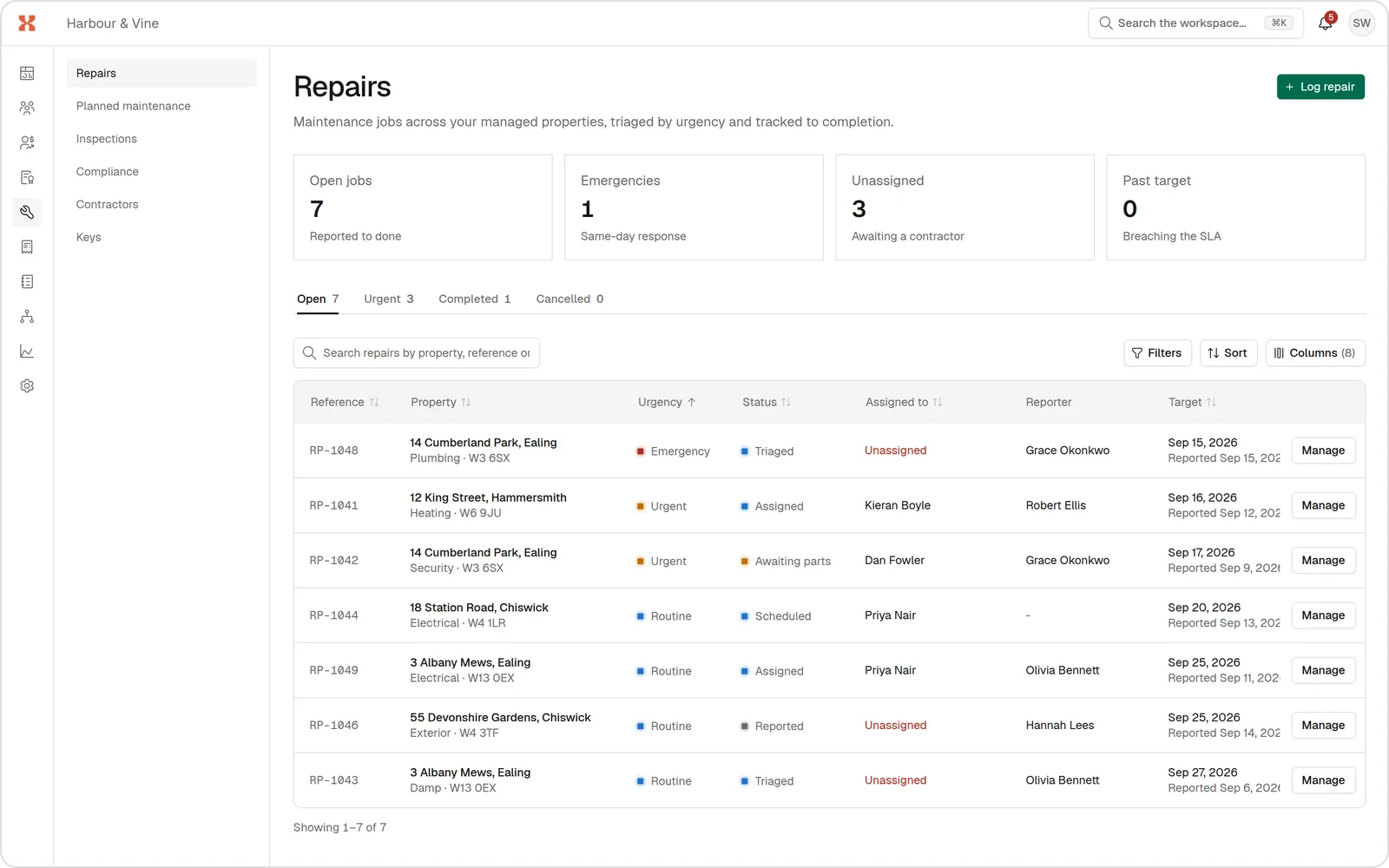
Out to a contractor without the phone tag

Your preferred order
Jobs go to your contractors one at a time, in the order you'd choose.

Moves on by itself
A decline or an offer left unanswered passes the job to the next contractor.

Nobody left hanging
If no contractor accepts, your team gets a task, never silence.

A portal for contractors
They sign in with a code sent to their email, accept or decline, and upload photos and invoices. Nothing to buy.


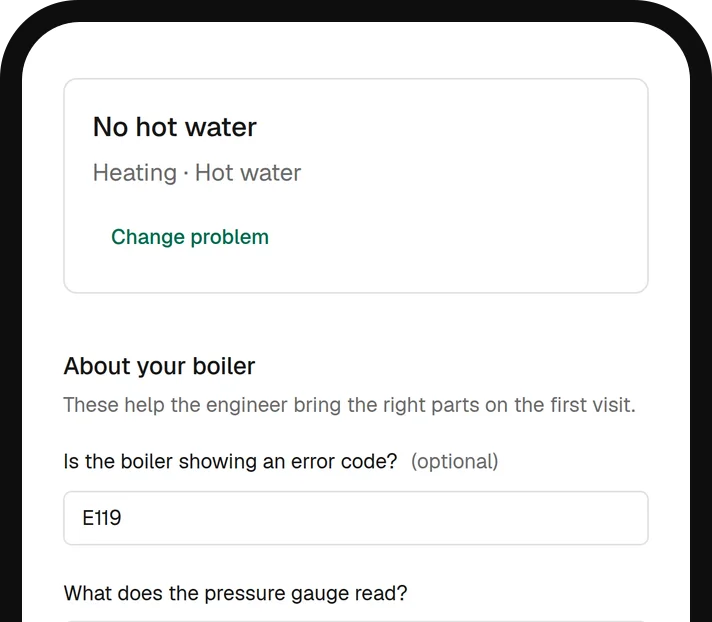
The report they need
Every job starts from the tenant's guided report, so the contractor knows what they're walking into.
Your contractor register, checked
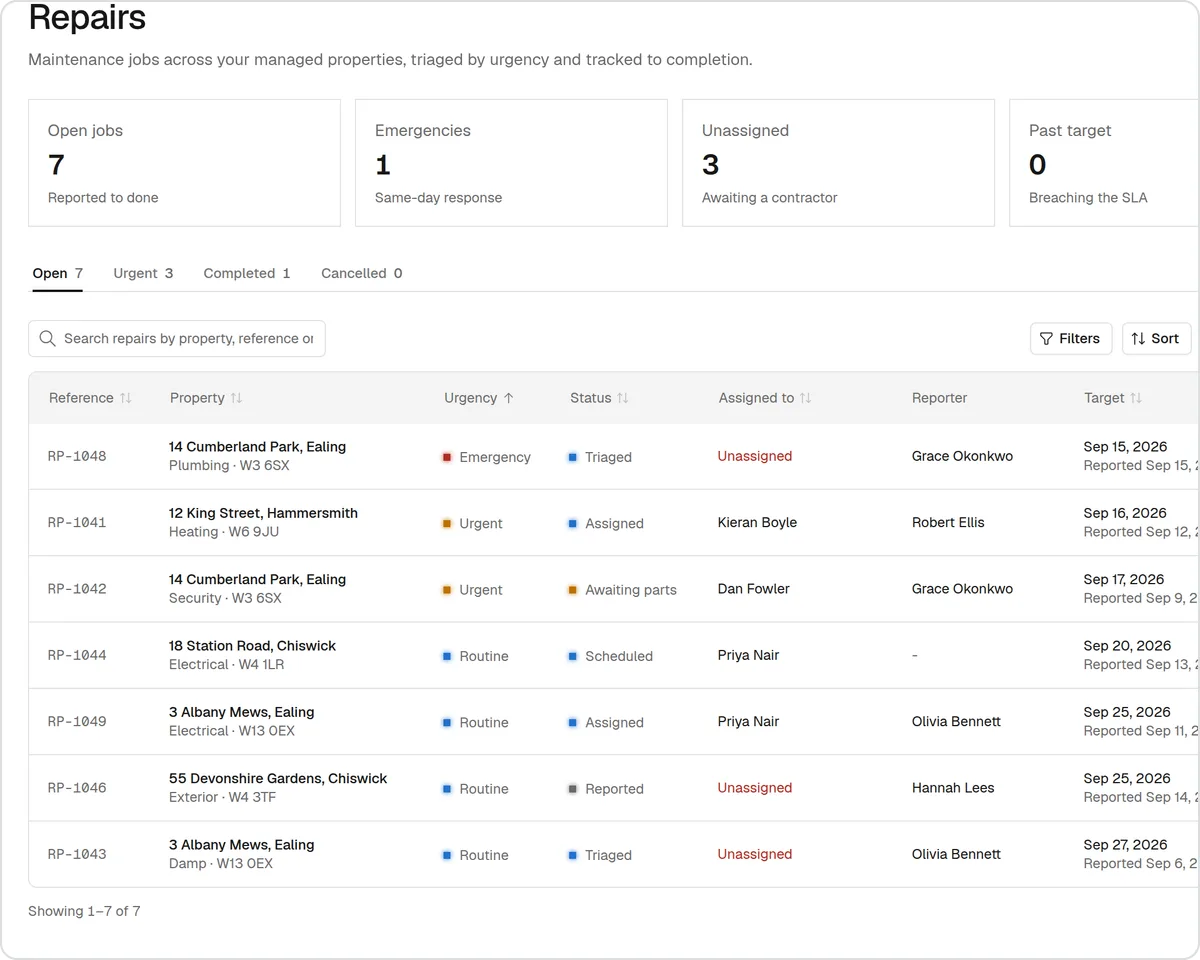
Keep each contractor's trades, the areas they cover, and their insurance and Gas Safe details in SortX. You're warned before a job goes to someone whose details are missing.
Trades and areas
Record what each contractor does and the postcodes they cover.
Lapsed cover is stopped
A job won't go to a contractor whose insurance or Gas Safe registration has expired, unless a person overrides it with a reason.
Renewals on the list
A renewal task is raised ahead of each insurance or Gas Safe expiry date.
Their updates, on your repair
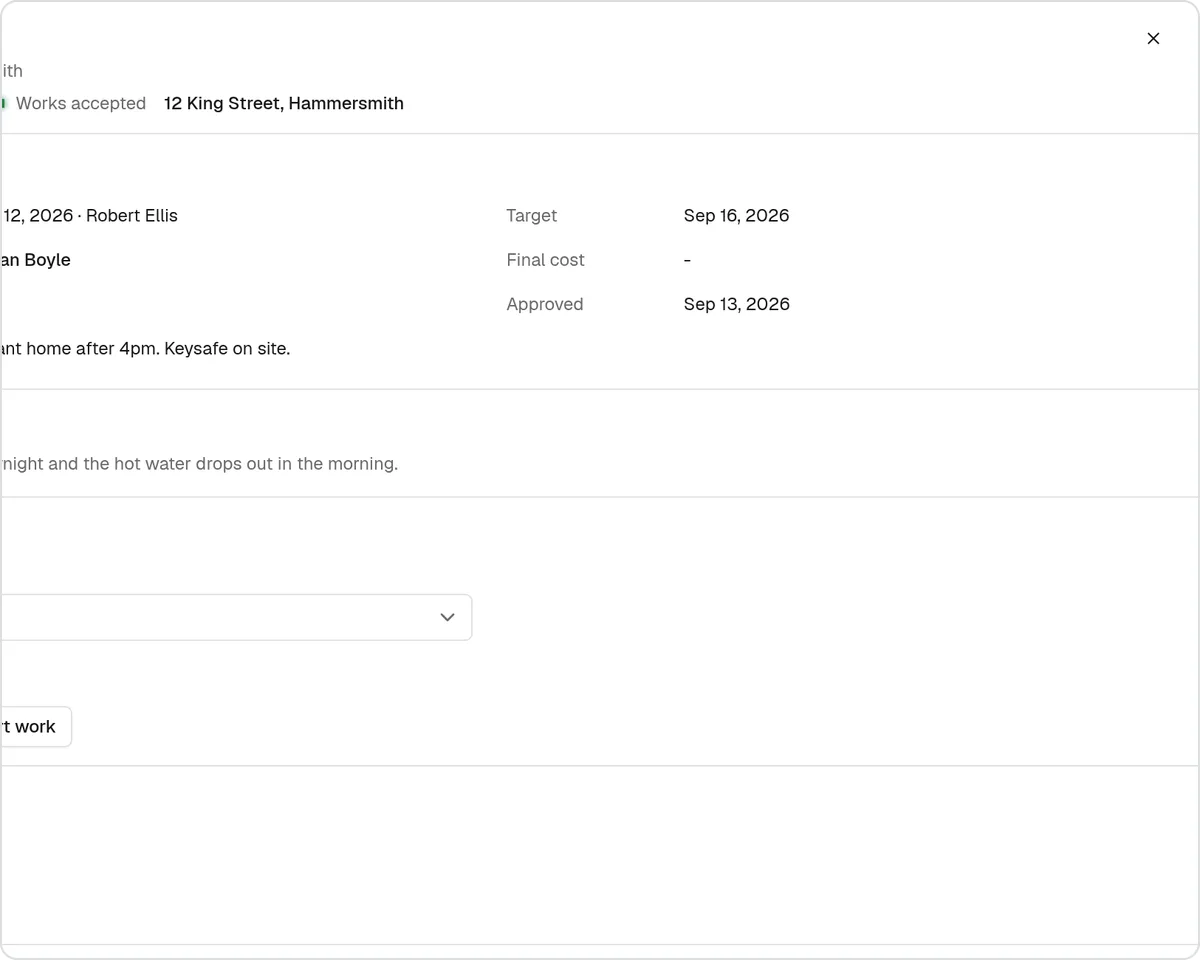
What the contractor sends lands on the repair, so the whole history stays on the property.
- Who was offered the job, and who accepted
- Photos uploaded from the job
- The contractor's invoice file
- Only the jobs you've offered them, nothing else
Your contractors on SortX this week
Add them once and every triaged repair goes out the same way.
- 1
Add your contractors
Their trades, areas, insurance and Gas Safe details.
- 2
Set your order
Who you'd like offered work first, second and third.
- 3
Invite them to the portal
Each contractor gets a link and signs in with an emailed code.
- 4
Let jobs go out
Triaged repairs are offered in your order, and you step in when nobody takes one.
The rest of the repair, handled the same way

Repair reporting
Tenants report repairs from their phone with guided fault-finding questions, so the job arrives with what a contractor needs.
Find out more: Repair reporting
AI phone calls
Repair calls to your agency's number answered with AI, day and night. The repair is taken down onto the property for your team to triage.
Find out more: AI phone calls
AI triage
Every report gets a suggested category and urgency with AI, so emergencies stand out. Your team confirms or changes it.
Find out more: AI triage
Questions agents ask
Do contractors need to pay for anything?
No. They sign in to the portal with a one-time code sent to their email and see only the jobs you've offered them.
Can we still pick a contractor ourselves?
Yes. Assign any job directly, which cancels any offers still out. It's the quickest route for emergencies.
What if a contractor's insurance has lapsed?
SortX won't send them the job unless someone on your team overrides it and gives a reason. Missing details are flagged as warnings.
Do you supply contractors?
No. SortX works with your own contractors, the people you already trust.
See it with one of your own repairs
Book a demo and bring a repair that went badly. We'll show you how it would run in SortX, from the tenant's report to the paid invoice.