Repairs reported properly, first time
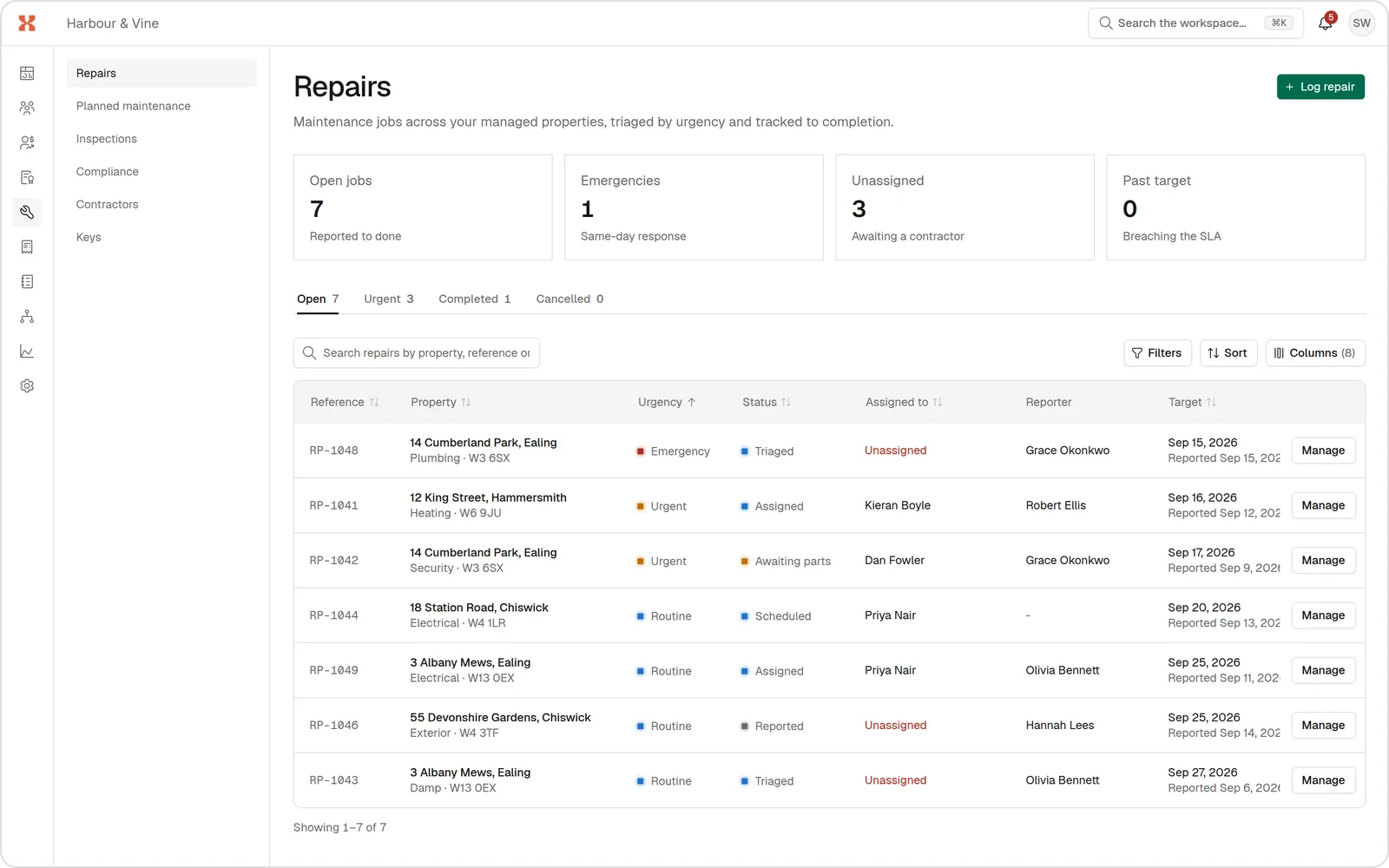
Tenants report repairs from their phone, answering questions for each kind of fault. The report lands on the right property with what a contractor needs to know, instead of a voicemail and three call-backs.
One link for every tenant

Guided fault-finding
Questions for each kind of fault, from a dripping tap to no heating, so the detail arrives with the report.

On the right property
Each report is logged against the tenant's property, with their answers, so nobody has to work out where it is.

Straight into triage
Each report gets an AI-suggested category and urgency as soon as it arrives.

Calls too
Repair calls to your number can be answered with AI and taken down onto the property.


No app, no account
Tenants open your repair link on their phone and send the report. Nothing to install or remember.
Your repair guide, your way
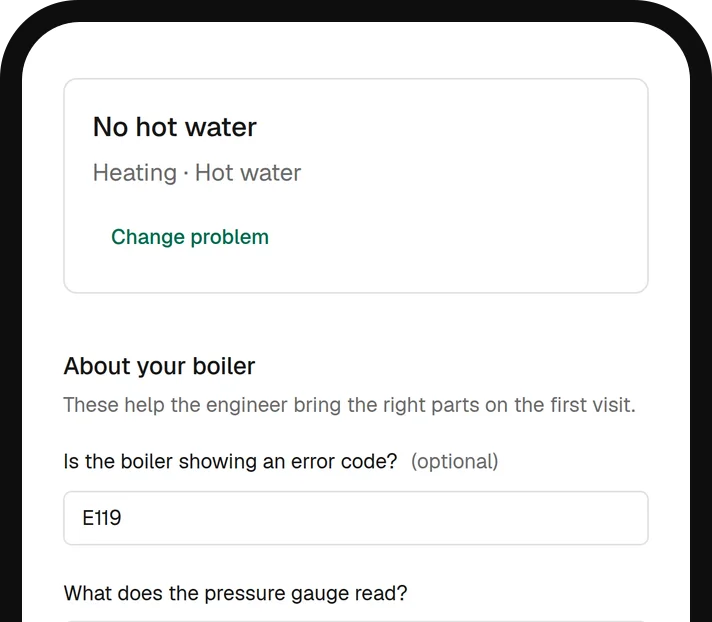
SortX comes with a fault guide built for rented homes. Your agency can adjust it, so tenants are asked what your team and your contractors actually need.
Questions for each fault
Heating, plumbing, electrics, appliances and more, each with its own follow-up questions.
Adjust it for your agency
Rename, reorder and add faults and questions without changing anyone else's guide.
Logged on the property
Every report is kept against the property, with the tenant's answers.
What lands on your desk
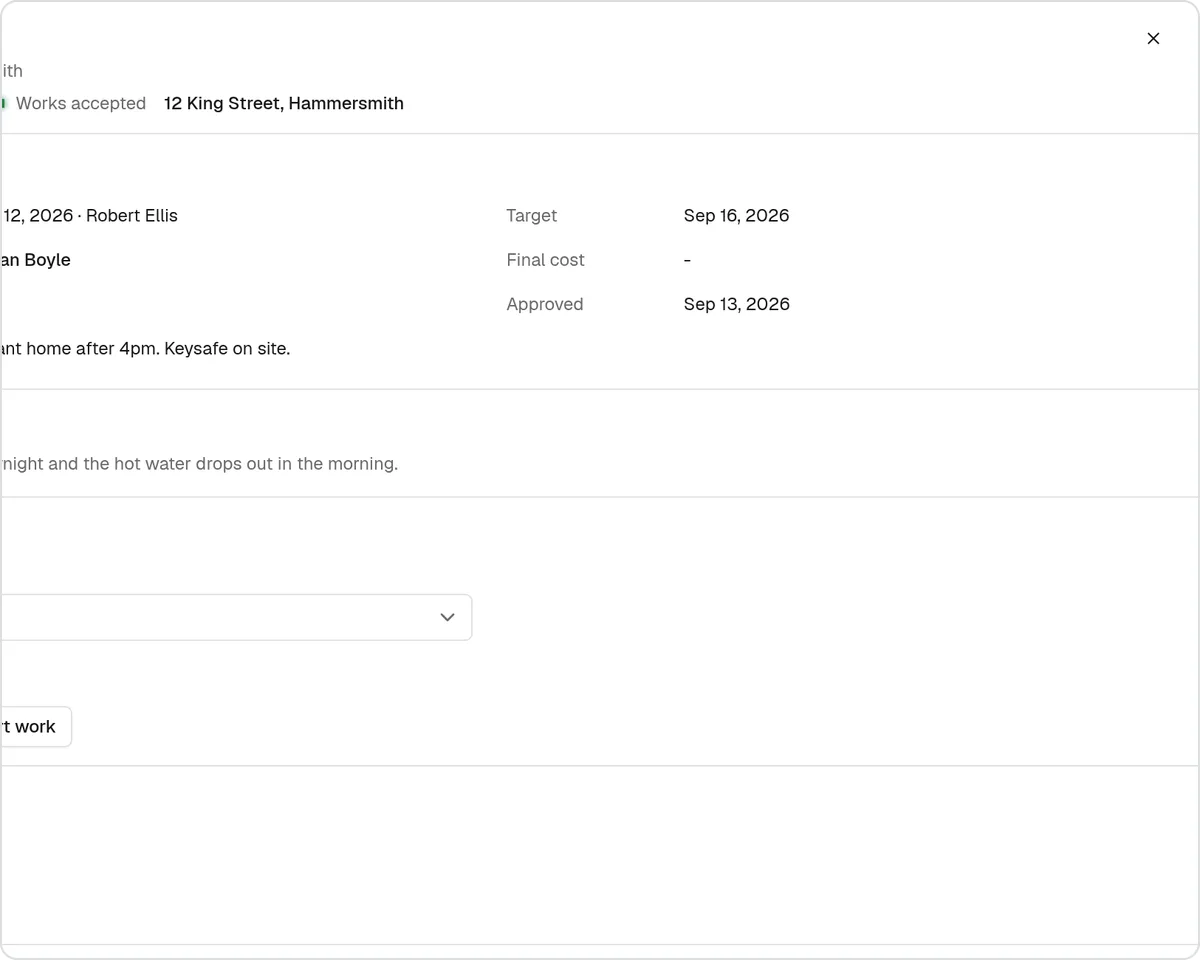
A report your team can act on, not a message to decode.
- The fault, in the tenant's words and the guide's answers
- The property, and who reported it
- A suggested category and urgency to confirm
Live in an afternoon
Set it up once and every repair report arrives the same way.
- 1
Bring your properties across
Paste or upload your addresses so reports match the right property.
- 2
Check the fault guide
Start with SortX's guide and adjust anything you'd ask differently.
- 3
Share your repair link
On your website, in emails and in the tenancy welcome pack.
- 4
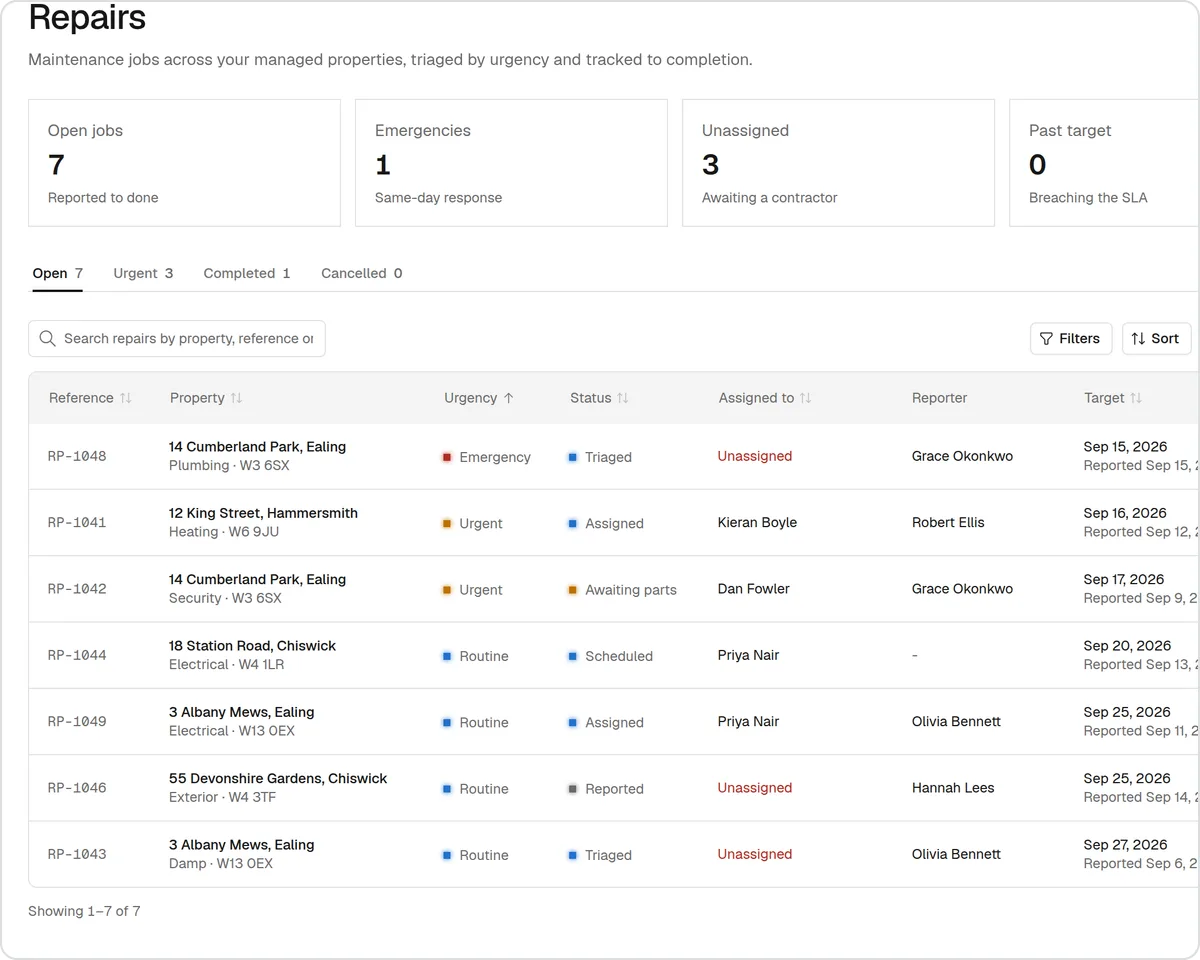
Triage what arrives
Confirm the suggested urgency and the job goes out to your contractors.
The rest of the repair, handled the same way

AI phone calls
Repair calls to your agency's number answered with AI, day and night. The repair is taken down onto the property for your team to triage.
Find out more: AI phone calls
AI triage
Every report gets a suggested category and urgency with AI, so emergencies stand out. Your team confirms or changes it.
Find out more: AI triage
Contractors
Jobs offered to your own contractors in your order, moving on when one doesn't answer. They accept in one click from their portal.
Find out more: Contractors
Questions agents ask
Do tenants need an account to report a repair?
No. They open your repair link, answer the guided questions and send it.
Can we change the questions tenants are asked?
Yes. Your agency can rename, reorder and add faults and questions in its own copy of the guide.
What if a tenant rings instead?
Your team can log it by hand, or repair calls can be answered with AI and taken down for you.
Is the report matched to the property?
Yes. Every repair is logged against a property, with the tenant's answers.
See it with one of your own repairs
Book a demo and bring a repair that went badly. We'll show you how it would run in SortX, from the tenant's report to the paid invoice.